convention design
graphics
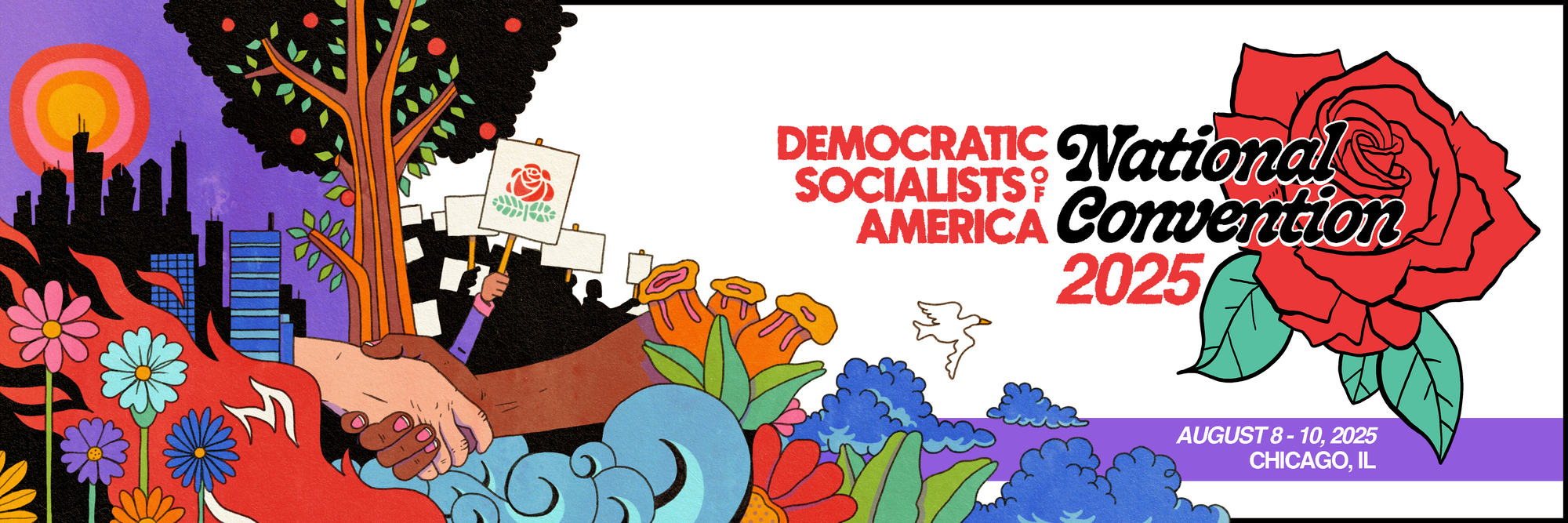
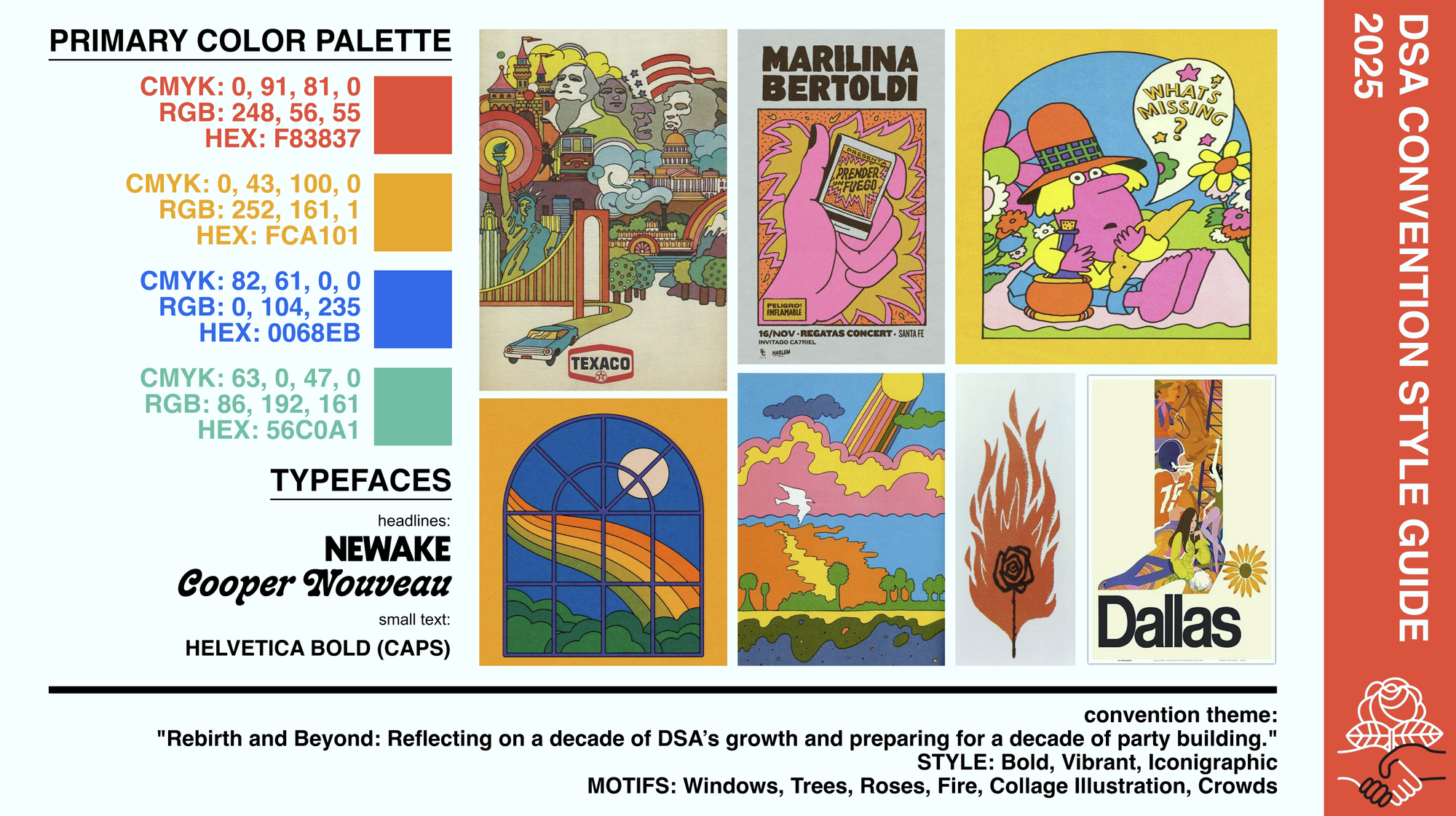
using the convention banner graphic and style guide i was provided, i created motion graphics for all proposals, along with animated transitions and interstitials, and the livestream overlay graphics.
interstitials
interstitials were created for every proposal and anticipated floor motion. these were color coded to provide a visual cue to delegates for what would come next. here's some examples:
motion to call the question
no ai images resolution
during breaks and before the days began, i wanted to make sure we had something on the debate hall displays that would be more than just a static image or text. so, i created a variety of interstitials and animations that would loop throughout these times. here's a selection of them:
logging into openslides
wifi password information
i extracted elements from the convention banner graphic and animated each one:
animated break screen. the time to return displayed in the upper right corner.
welcome to the national convention
promoting rashida's keynote speech
npc candidates
i created custom animations for each npc candidate in advance, knowing that there would be a tight turnaround between the time the election concluded and when the results would be announced. once i received the election results, i packaged them together in obs directly, avoiding any need for rendering. i used automations to display each new npc member's animation as they were announced.
animation for an npc candidate
the co-chair announcement was easier, given the fewer number of candidates. i created the entire announcement animation in advance, and plopped the election winners into it.
co-chair results announcement
openslides
openslides features its own projections which can be displayed on a screen. however, the customizability is limited. fonts can't be changed, text color changes are limited, and there is no way to move particular information to a desired position.
and, because we had chairs whose names would need to be displayed in addition to delegates on the speakers list, this presented an additional problem.
how to solve both? through css and custom overlays.
example: the speaker timer
the timer that's displayed in openslides was directly controlled by the presidium. in order to display it in a way that met the style guide, i created a separate projection only for the speaker timer in openslides. i then displayed that page in obs and injected custom css. there is no documentation for doing any of this in openslides, so i used the developer tools to extract information about the elements. the speaker timer was particularly nitpicky owing to its constant width changes, necessitating a switch to a monospace font.
    @font-face {
        font-family: 'Newake';
        src: url('file:///C:/Users/jenjh/AppData/Local/Microsoft/Windows/Fonts/MonaspaceArgon-SemiWideBold.otf') format('otf');
        font-weight: normal;
        font-style: normal;
    }

#projector * { font-family: 'Newake' !important; letter-spacing: 2px; }

body { background-color: #d1d1d1; margin: 0px auto; overflow: hidden; font-family: 'Newake' !important; }

.projector.projector { background-color: #d1d1d1 !important; font-family: 'Newake' !important; }

.countdown.overlay.ng-star-inserted { background-color: #d1d1d1 !important; !important; border: none !important; box-shadow: none !important; font-family: 'Newake' !important; }

.countdown { font-family: 'Newake' !important; }

.description.ng-star-inserted { font-family: 'Newake' !important; text-transform: uppercase !important; letter-spacing: normal !important;  }

.countdown-time-wrapper { font-family: 'Newake' !important; }

.projector { font-family: 'Newake' !important; }

.countdown-wrapper.only-countdown.ng-star-inserted { font-family: 'Newake' !important; }

.countdown-time-wrapper.negative-time.ng-star-inserted { font-family: 'Newake' !important; }

.openslides-dark-theme { font-family: 'Newake' !important; }

.slidetitle { display: none !important; }

.currentSpeaker ( display: none !important; }

.os-common-list-of-speakers-slide { display: none !important; }

.content { display: none !important; }
the speaker list, motion text, submitter information, and all other information that would ordinarily be displayed in openslides was given their own separate projections for which i injected custom css in obs. this resulted in a display that meshed with the style guide and presented information in a clear way to both delegates and the livestream.